

BY VINCENT VU
Lab 916
Vince helps established brands take control of their Amazon channel through expert marketplace management.
Create Your Amazon Storefront in 2026
February 25, 2026
12 min read
Step-by-step guide to building an Amazon storefront that drives sales. Covers Brand Registry, store builder setup, design tips, and analytics.
If you're a brand selling on Amazon, your storefront is the closest thing you have to owning real estate on the platform. It's a dedicated, multi-page shopping destination where you control the layout, the imagery, the messaging, and the customer experience — something you don't get anywhere else on Amazon.
At Lab 916, we've built and optimized Amazon storefronts for brands generating over $250 million in combined Amazon revenue. We've seen what separates storefronts that actually drive sales from the ones that sit there collecting dust. This guide covers everything: what an Amazon storefront is, how to create one from scratch, how to design it so it converts, and the strategy behind making it work as a real sales channel.
What Is an Amazon Storefront?
An Amazon storefront (also called an Amazon Brand Store) is a free, customizable multi-page shopping experience within Amazon that's exclusive to brands enrolled in Amazon Brand Registry. Think of it as your brand's own mini-website inside the Amazon ecosystem.
Unlike a standard product listing page where you're competing for attention with other sellers, your storefront is entirely yours. No competitor ads. No third-party offers. Just your brand, your products, and your story. Customers can browse your full catalog, explore different product categories, and get a feel for your brand — all without leaving Amazon.
Every storefront gets its own URL (amazon.com/yourbrandname), which means you can drive external traffic to it from social media, email campaigns, or your own website. It's also where Sponsored Brands ads can send shoppers, making it a critical piece of your advertising strategy.
Amazon Storefront vs. Influencer Storefront
There's an important distinction to make here. When people search for "Amazon storefront," they're often looking for one of two very different things.
A brand storefront (what this guide covers) is for companies selling their own products on Amazon. You need Brand Registry, and the storefront showcases your product catalog with a custom layout. This is a sales and branding tool for businesses.
An influencer storefront is part of the Amazon Influencer Program, where content creators curate lists of products they recommend and earn commissions on purchases. Influencers don't need to sell their own products — they're recommending other people's products and earning affiliate income.
If you're a brand looking to build your Amazon presence, keep reading. If you're a content creator looking to set up an influencer page, the Amazon Influencer Program has a separate application process with its own follower requirements and approval criteria.
Amazon Storefront Requirements
Before you can create a storefront, you need to meet a few prerequisites.
Amazon Brand Registry is the most important requirement. You must have an active, registered trademark and be enrolled in Amazon's Brand Registry program. This is non-negotiable — without Brand Registry, you cannot access the storefront builder.
A Professional Seller account ($39.99/month) is required. Individual seller accounts don't have access to storefront features.
Active product listings should already be live on Amazon. While you can technically build a storefront without listings, there's no point — the storefront exists to showcase and sell your products.
The good news: there's no additional cost to create a storefront beyond what you're already paying for your Professional Seller account. The storefront builder and hosting are completely free.
How to Create an Amazon Storefront
Setting up your storefront involves four phases: accessing the builder, planning your structure, building your pages, and submitting for review. Here's the step-by-step process.
Step 1: Access the Store Builder
Log into Seller Central and navigate to Stores > Manage Stores. If you're enrolled in Brand Registry, you'll see the option to create a store for your registered brand. Click "Create Store" and select the brand you want to build for.
You'll be prompted to enter your brand display name and upload a brand logo. The logo should be at least 400 x 400 pixels. This appears at the top of every page of your storefront, so make sure it's clean and recognizable at small sizes.
Step 2: Plan Your Page Structure
Before you start dragging and dropping widgets, plan your information architecture. The most effective storefronts we build at Lab 916 follow a clear hierarchy.
Your homepage is the entry point and should immediately communicate who you are, what you sell, and why someone should care. Think of it as a landing page — hero imagery, your best-selling products, and clear navigation to deeper pages.
Category pages organize your products by logical groupings. If you sell kitchen products, you might have separate pages for cookware, utensils, storage, and accessories. These pages should align with how customers think about your products, not necessarily how you organize them internally.
Product-focused pages can highlight specific product lines, new launches, or seasonal collections. These are especially useful for driving Sponsored Brands traffic to a curated selection rather than your full catalog.
Amazon allows up to three levels of navigation, so you can create sub-pages within category pages. Most brands do well with 4 to 8 total pages. Enough to organize your catalog without overwhelming shoppers.
Step 3: Build Your Pages with the Store Builder
The Amazon Store Builder uses a drag-and-drop tile system. You select a template layout for each page, then fill in the tiles with content widgets. Here are the key widget types and how to use them effectively.
Hero images span the full width of the page and set the visual tone. Use high-quality lifestyle imagery that shows your products in context, not just product shots on white backgrounds. The hero image is the first thing shoppers see, so it needs to earn their attention.
Product grids display multiple products in a structured layout. Each product tile pulls the listing image, title, price, and star rating directly from your product pages. Shoppers can add items to cart without leaving your storefront. Organize these by popularity, price point, or use case — not randomly.
Image tiles with text overlay let you combine imagery with messaging. Use these for value propositions, category introductions, or lifestyle content that reinforces your brand story. Keep text concise — shoppers scan, they don't read essays.
Video tiles can embed brand or product videos directly into your storefront. Video consistently outperforms static content in engagement metrics. If you have product demos, how-to content, or brand story videos, feature them prominently.
Shoppable images are one of the most underutilized features. You upload a lifestyle image and tag individual products within it. When shoppers hover over the tagged products, they see a mini product card with pricing and an add-to-cart option. This creates a more natural, editorial shopping experience.
Background video tiles allow you to use looping video as a section background, which can make your storefront feel significantly more premium and dynamic.
Step 4: Submit for Review
Once you've built your pages, preview them carefully on both desktop and mobile layouts. Amazon's review process typically takes 24 to 72 hours, and stores can be rejected for issues like low-resolution images, text that makes unsupported claims, or external links.
Common rejection reasons we see include: referencing specific promotions or pricing (storefronts should be evergreen), making claims that aren't substantiated by your listing content, including contact information or external URLs, and using images with visible watermarks or poor resolution.
After approval, your storefront goes live immediately and is accessible via your brand URL and through Sponsored Brands ad campaigns.

How to Design an Amazon Storefront That Converts
Building a storefront is straightforward. Building one that actually drives sales requires more thought. Here's what we've learned from designing storefronts across dozens of product categories.
Lead with Your Best Products
Your homepage should feature your top sellers and highest-rated products above the fold. These are the products most likely to convert a new visitor into a buyer. Save your full catalog for deeper category pages — the homepage is about creating momentum, not overwhelming people with choices.
Design for Mobile First
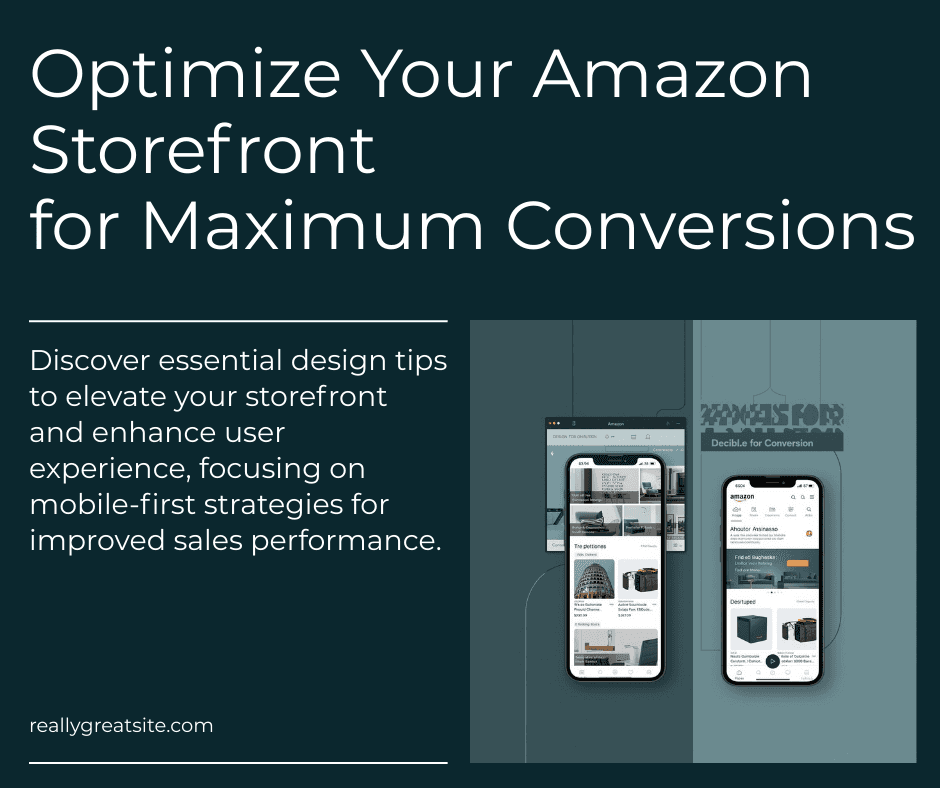
More than 60% of Amazon traffic comes from mobile devices. Your storefront needs to look great on a phone screen, not just a desktop monitor. This means larger text, tappable product tiles, and imagery that reads well at small sizes. Always preview the mobile layout in the store builder before publishing.
Use Lifestyle Imagery Over Product Shots
Your product detail pages already have white-background product photography. Your storefront is the place to show products in real-world context. Kitchen products in a kitchen. Fitness gear being used at the gym. This kind of imagery helps shoppers visualize ownership and drives higher engagement.
Create Clear Navigation Paths
Every page should have an obvious next step. Don't dump shoppers on a page with 50 products and no guidance. Use headers, image tiles, and curated product selections to tell a story and guide the browsing experience. The path from "interested visitor" to "add to cart" should feel natural, not forced.
Keep Text Minimal
Your storefront is a visual shopping experience, not a blog post. Headlines and short supporting copy are fine. Paragraphs of text are not. If you need to explain your product in detail, that's what your A+ Content and product descriptions are for. The storefront should sell the sizzle.
How to Edit Your Amazon Storefront
After your storefront is live, you can edit it at any time through Seller Central. Navigate to Stores > Manage Stores, select your brand, and click "Edit Store." Any changes you make will need to go through the review process again before going live, which typically takes another 24 to 72 hours.
Update your storefront regularly to reflect new product launches, seasonal campaigns, and changes to your catalog. Brands that refresh their storefront content quarterly see measurably better engagement than those that set it and forget it.
You can also create multiple versions of your storefront and schedule them to go live on specific dates. This is useful for holiday campaigns, Prime Day promotions, or product launches where you want coordinated content changes.
Amazon Storefront Analytics
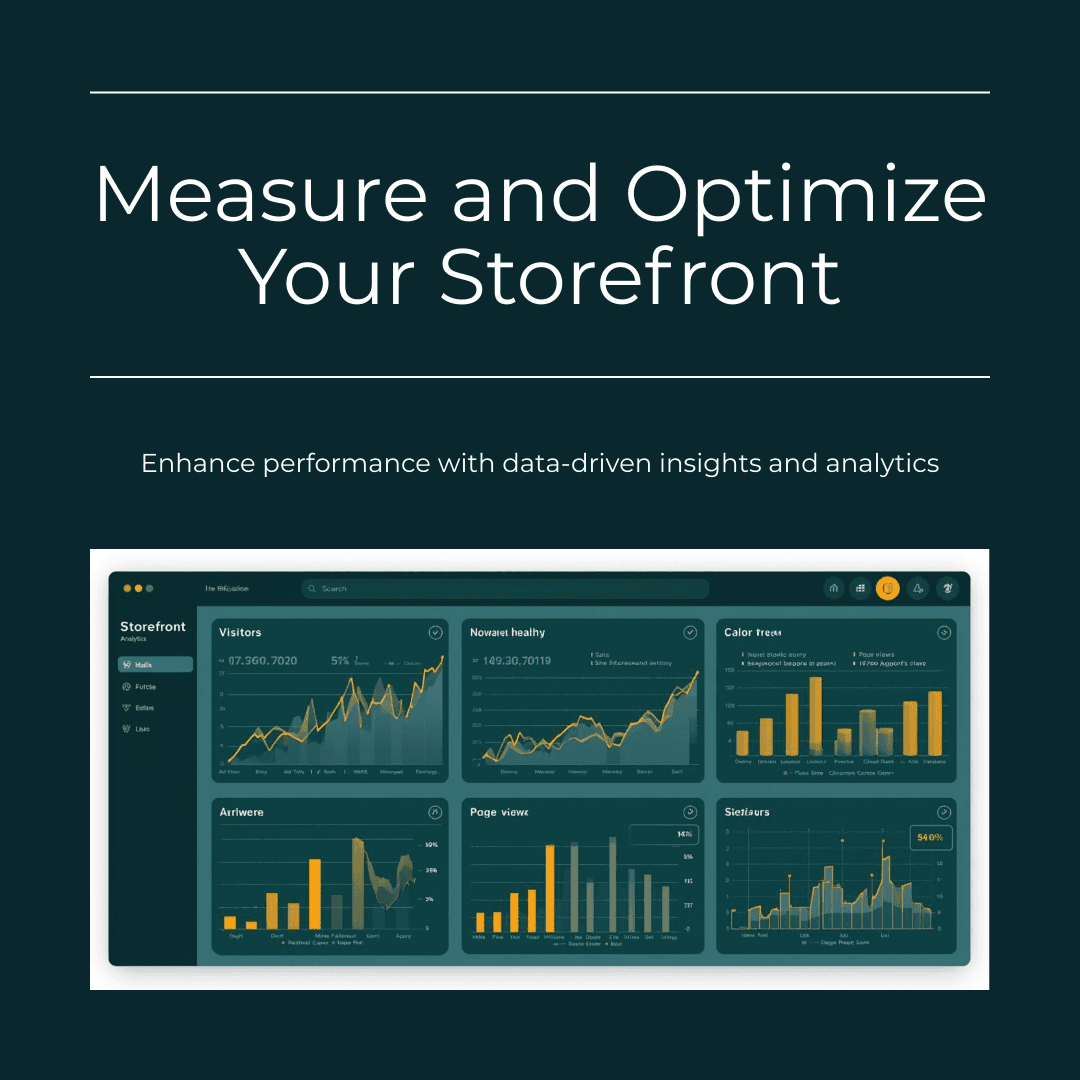
Your storefront comes with built-in analytics through Store Insights, available in Seller Central. Key metrics to track include daily visitors, page views, sales generated, and units sold — all broken down by page and traffic source.
Pay attention to which pages have the highest and lowest engagement. If your cookware category page gets three times the traffic of your utensils page, that tells you something about what your customers care about — and where to focus your advertising spend.
The most valuable metric is sales per visitor. This tells you how effectively your storefront is converting browsers into buyers, and you can use it to A/B test different layouts, imagery, and product arrangements over time.
How to Find an Amazon Storefront
If you're a shopper looking for a specific brand's storefront, there are several ways to find it.
The easiest method is to go directly to amazon.com/brandname — most registered brands have a vanity URL. You can also click on the brand name link on any product listing page, which typically leads to the brand's storefront. Searching for the brand name in Amazon's search bar may surface the storefront as a result, and some brands link to their storefronts from social media profiles.
For brands, your storefront URL is one of your most important Amazon assets. Include it in your packaging inserts, social media bios, email signatures, and anywhere else you're directing customers to Amazon.
Amazon Storefront Best Practices
After building and optimizing dozens of storefronts, here are the practices that consistently move the needle.
Connect your advertising. Sponsored Brands campaigns can drive traffic directly to your storefront or specific storefront pages. This is often more effective than sending ad traffic to a single product listing because it increases average order value — shoppers browse and buy multiple products.
Build for your traffic sources. If most of your storefront traffic comes from Sponsored Brands ads, optimize for that audience — they're already searching for products in your category and need a quick path to purchase. If you're driving social media traffic, your storefront needs to do more brand storytelling since those visitors may be less familiar with your products.
Feature social proof. Use tiles that highlight your best-selling products, highest-rated items, and any awards or press coverage. While you can't include customer reviews directly in storefront content, you can let your product grid tiles do the heavy lifting — they automatically display star ratings.
Refresh content seasonally. Update your hero imagery, featured products, and page layouts at least quarterly. A storefront that still shows summer products in December signals a brand that isn't paying attention. Seasonal updates also give you a reason to re-submit for review, which keeps your content fresh in Amazon's eyes.
Use the storefront as a product launch hub. When you launch a new product, add it prominently to your storefront homepage and create a dedicated page for it if warranted. Drive Sponsored Brands traffic to this page during the launch window to build initial sales velocity.
Frequently Asked Questions
How Much Does an Amazon Storefront Cost?
Creating an Amazon storefront is free for brands enrolled in Brand Registry with a Professional Seller account ($39.99/month). There are no additional fees for the storefront builder, hosting, or page views. The only costs are indirect — your time to build and maintain it, and any investment in professional photography or design.
Is an Amazon Storefront Free?
Yes, the storefront itself is completely free. You need Brand Registry (which requires an active trademark) and a Professional Seller account, but there's no additional charge for creating, publishing, or maintaining your storefront pages.
Can Anyone Make an Amazon Storefront?
Not anyone. You need to be a brand owner enrolled in Amazon Brand Registry with a Professional Seller account. Individual seller accounts, resellers, and arbitrage sellers cannot create storefronts — the feature is exclusively for registered brand owners. For influencer storefronts, you need to apply to the Amazon Influencer Program and meet their eligibility criteria, which include having an active social media presence.
How Long Does It Take to Create an Amazon Storefront?
Building a basic storefront can take a few hours if you have your imagery and product catalog ready. A well-designed, multi-page storefront typically takes 2 to 5 business days to build properly, plus 24 to 72 hours for Amazon's review process. The biggest time investment is usually preparing the visual assets — hero images, lifestyle photography, and video content.
How Do I Add Products to My Amazon Storefront?
In the Store Builder, use the Product Grid or Product Tile widgets. You can search for your products by ASIN, product name, or category. Drag the product widget onto your page layout, select the products you want to feature, and arrange them in the order you prefer. Products must already be live on Amazon to appear in your storefront.
How Does an Amazon Storefront Work for Driving Sales?
Your storefront works in two primary ways. First, it serves as a branded landing page for Sponsored Brands advertising — instead of sending ad clicks to a single product, you send them to a curated shopping experience that increases average order value. Second, it acts as a discovery tool when shoppers click your brand name from any product listing, giving them a reason to explore your full catalog.
Lab 916 is a full-service Amazon marketplace management agency that helps established brands launch, grow, and protect their Amazon channel. If you need help building a storefront that drives real revenue — or any other aspect of your Amazon strategy, get in touch with our team for a free consultation.


" transform="translate(0 0)" width="35.003699999999995px"/><path d="M 8 11.5 L 12 11.5 L 13 7.5 L 8 7.5 L 8 5.5 C 8 4.47 8 3.5 10 3.5 L 13 3.5 L 13 0 C 13 0 9.943 0 8.643 0 C 5.928 0 4 1.657 4 4.7 L 4 7.5 L 0 7.5 L 0 11.5 L 4 11.5 L 4 20 L 8 20 Z" fill="transparent" height="20.000010000000003px" id="BReLpuFzM" stroke-dasharray="" stroke-linecap="butt" stroke-linejoin="round" stroke-width="1.5" stroke="rgb(171, 199, 212)" transform="translate(10.501 7.501)" width="13px"/></g></svg>)

" transform="translate(0 0)" width="35px"/><path d="M 10.113 4.988 C 6.128 5.318 2.517 2.153 1.42 0.153 C 1.415 0.145 1.404 0.147 1.402 0.155 C 0.197 4.698 1.507 9.733 4.456 12.37 C 4.259 12.6 2.73 14.484 0.01 14.501 C 0 14.501 -0.004 14.515 0.005 14.52 C 7.505 18.848 18.004 13.133 18.004 4.388 L 19.989 0.515 C 19.993 0.508 19.987 0.5 19.978 0.501 L 16.641 1.015 C 12.535 -1.974 9.543 2.334 10.113 4.988 Z" fill="transparent" height="15.998323674928294px" id="OkQFhcSnI" stroke-dasharray="" stroke-linecap="butt" stroke-linejoin="round" stroke-width="1.5" stroke="rgb(171, 199, 212)" transform="translate(7.501 9.5)" width="19.990075856575178px"/></g></svg>)
" transform="translate(0 0)" width="35px"/><path d="M 4.5 0 L 0 0 L 0 12.499 L 4.5 12.499 Z" fill="transparent" height="12.49867871110765px" id="RIbzJL_pQ" stroke-dasharray="" stroke-linecap="butt" stroke-linejoin="round" stroke-width="1.5" stroke="rgb(171, 199, 212)" transform="translate(7.501 15)" width="4.499524335998755px"/><path d="M 4.5 2.25 C 4.5 3.492 3.493 4.5 2.25 4.5 C 1.007 4.5 0 3.492 0 2.25 C 0 1.007 1.007 0 2.25 0 C 3.493 0 4.5 1.007 4.5 2.25 Z" fill="transparent" height="4.499534334941724px" id="URceBkGHW" stroke-dasharray="" stroke-linecap="butt" stroke-linejoin="round" stroke-width="1.5" stroke="rgb(171, 199, 212)" transform="translate(7.501 7.501)" width="4.499524335998755px"/><path d="M 4.5 0 L 0 0 L 0 12.499 L 4.5 12.499 L 4.5 6.25 C 4.5 5.283 5.282 4.5 6.249 4.5 C 7.215 4.5 7.999 5.283 7.999 6.25 L 7.999 12.499 L 12.498 12.499 L 12.499 4.5 C 12.499 2.015 10.135 0 7.796 0 C 6.464 0 5.276 0.653 4.5 1.674 Z" fill="transparent" height="12.49867871110765px" id="MadyAM_6_" stroke-dasharray="" stroke-linecap="butt" stroke-linejoin="round" stroke-width="1.5" stroke="rgb(171, 199, 212)" transform="translate(15 15)" width="12.498678711107651px"/></g></svg>)
" transform="translate(0 0)" width="35px"/><path d="M 18.998 2 L 18.998 16.998 C 18.998 18.103 18.103 18.998 16.998 18.998 L 2 18.998 C 0.896 18.998 0 18.103 0 16.998 L 0 2 C 0 0.895 0.896 0 2 0 L 16.998 0 C 18.103 0 18.998 0.895 18.998 2 Z" fill="transparent" height="18.9980016398266px" id="GJb2jRpoX" stroke-dasharray="" stroke-linecap="round" stroke-linejoin="round" stroke-width="1.5" stroke="rgb(171, 199, 212)" transform="translate(8 8.001)" width="18.997991640883626px"/><path d="M 8.999 4.5 C 8.999 6.985 6.985 8.999 4.5 8.999 C 2.015 8.999 0 6.985 0 4.5 C 0 2.014 2.015 0 4.5 0 C 6.985 0 8.999 2.014 8.999 4.5 Z" fill="transparent" height="8.999048671997508px" id="VJaUN8aZ_" stroke-dasharray="" stroke-linecap="round" stroke-linejoin="miter" stroke-miterlimit="10" stroke-width="1.5" stroke="rgb(171, 199, 212)" transform="translate(13 13)" width="8.999048671997508px"/><path d="M 0.009 0 L 0 0" fill="transparent" height="1px" id="wzau5HB7B" stroke-dasharray="" stroke-linecap="round" stroke-linejoin="round" stroke-width="2" stroke="rgb(171, 199, 212)" transform="translate(22.997 12)" width="1px"/></g></svg>)
" transform="translate(0 0)" width="35px"/><path d="M 4.999 3 L 0 0 L 0 5.999 Z" fill="transparent" height="5.9993657813316705px" id="TRegc5Igj" stroke-dasharray="" stroke-linecap="butt" stroke-linejoin="round" stroke-width="1.5" stroke="rgb(171, 199, 212)" transform="translate(15.5 14.5)" width="4.99947148444306px"/><path d="M 16.849 0.441 C 14.759 0.158 12.441 0 9.999 0 C 7.556 0 5.237 0.158 3.148 0.441 C 1.295 0.692 0 2.328 0 4.198 L 0 11.8 C 0 13.67 1.295 15.306 3.148 15.557 C 5.237 15.841 7.556 15.998 9.999 15.998 C 12.441 15.998 14.759 15.841 16.849 15.557 C 18.703 15.306 19.998 13.67 19.998 11.8 L 19.998 4.198 C 19.998 2.328 18.703 0.692 16.849 0.441 Z" fill="transparent" height="15.998318749160763px" id="AZUAgbjVH" stroke-dasharray="" stroke-linecap="butt" stroke-linejoin="round" stroke-width="1.5" stroke="rgb(171, 199, 212)" transform="translate(7.501 9.5)" width="19.997885937772242px"/></g></svg>)